Creator studio.
Invited creators publish their own series.
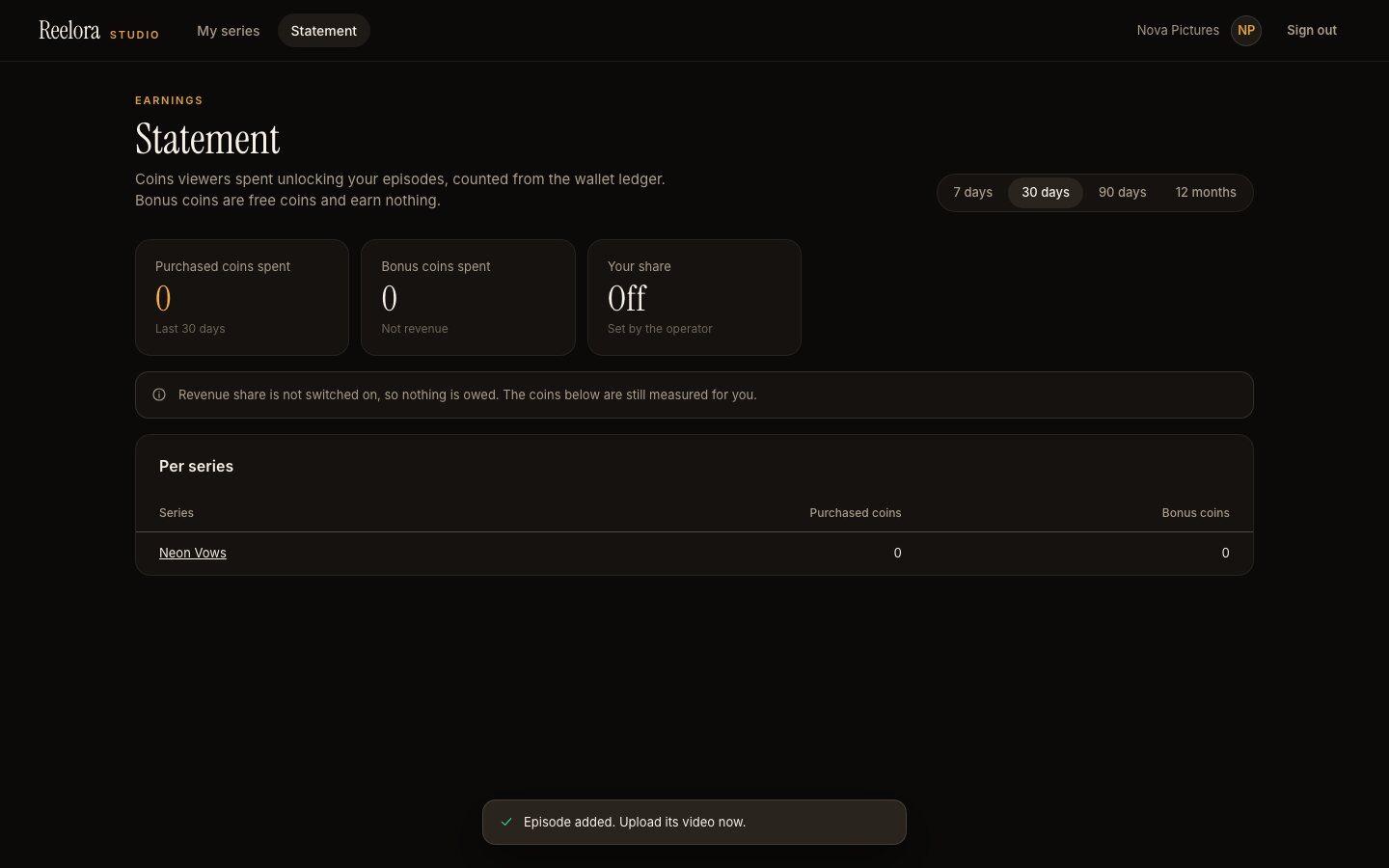
Creators you invite sign in at /studio and manage only their own series. An optional revenue share is measured from the purchased coins spent on their series and shown on a statement. Payouts happen outside the product.
01Turn the studio on
- Console → Creator studio → Creator studio: on.
- Creators' series need your approval before publishing: on by default. Leave it on unless you trust every creator.
- Creators may start AI subtitles, translation and dubbing: off by default; when on, the jobs are billed to your provider keys.
02Invite a creator
Console → Creators → enter the creator's e-mail (and an optional name) → Create invite link. The one-time link is shown once and works for 7 days; send it to the creator yourself. Links are stored hashed, so they cannot be shown again. You can disable a creator at any time.
03What creators can do
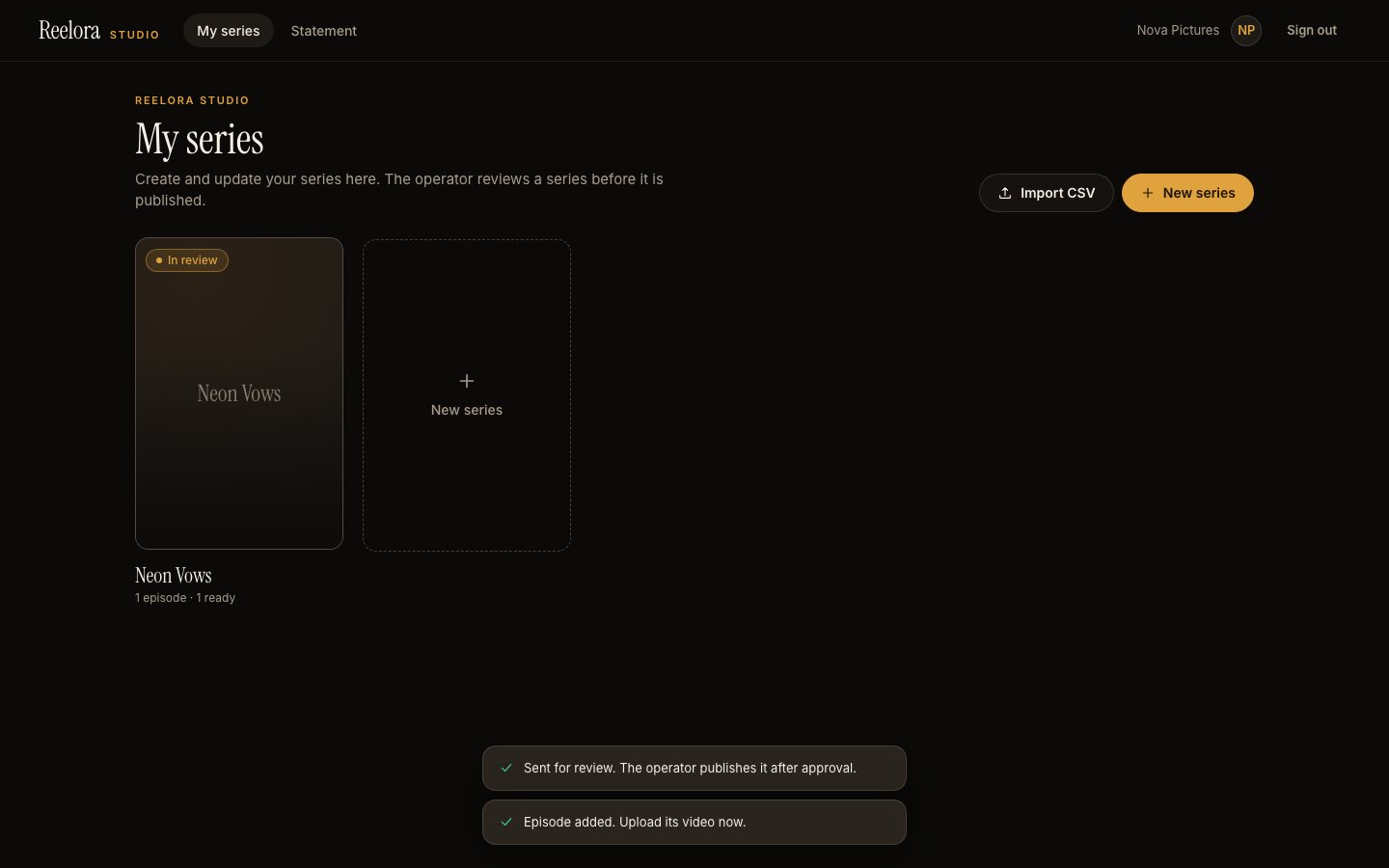
- Create and edit their own series and episodes, upload videos, posters and subtitles, add cast, characters, age rating, trailer and release date.
- Import episodes from CSV.
- Send a series for review; you publish it after approval.
- See their statement.
Creators never see other creators' series. The price of single episodes stays your decision.
05Statements and payouts
Each creator sees a Statement in the studio: purchased and bonus coins spent unlocking their episodes over 7 days, 30 days, 90 days or 12 months, per series, counted from the wallet ledger, and their share when it is switched on. On Console → Creators you see purchased coins spent per creator over the last 30 days.
Reelora produces statements only. It does not send money to creators. You pay them outside the product, under your own agreement with each creator.