
Community and missions.
Comments, moderation, missions and home rails.
Likes and comments on episodes with moderation tools, daily missions that pay bonus coins, curated home rails, Coming soon reminders, referrals, promo codes and push campaigns.
02Moderation
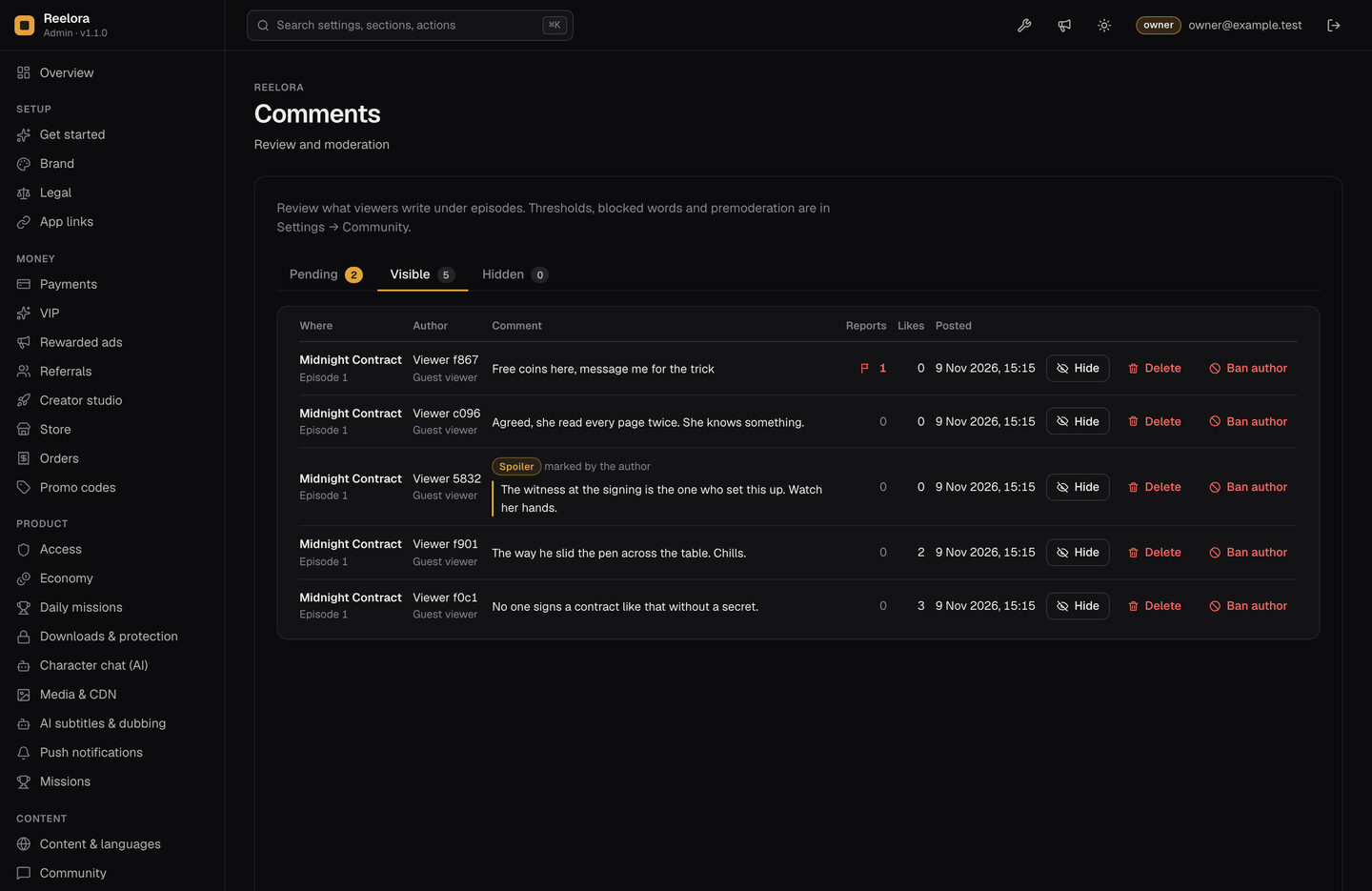
Console → Comments has three tabs: Pending, Visible and Hidden. For each comment you can approve, hide, delete or ban the author from commenting.
03Daily missions
Console → Daily missions turns the feature on or off (on by default). The list is edited on the Missions page. Mission types: watch N episodes, watch N minutes, share, save, like, comment, finish a series, each with the bonus coins it pays. Days start at 00:00 UTC.
Watch time is measured on the server; a viewer cannot claim more time than really passed. Mission rewards are bonus coins, not revenue.
04Daily check-in
Seven daily rewards set in Console → Economy (default 10, 10, 15, 15, 20, 20, 50 coins). A missed day starts the streak again at day 1. VIP members can get a multiplier (Console → VIP, default 1 = no extra); the VIP card mentions bigger check-in rewards only when it is above 1.
05Home and collections
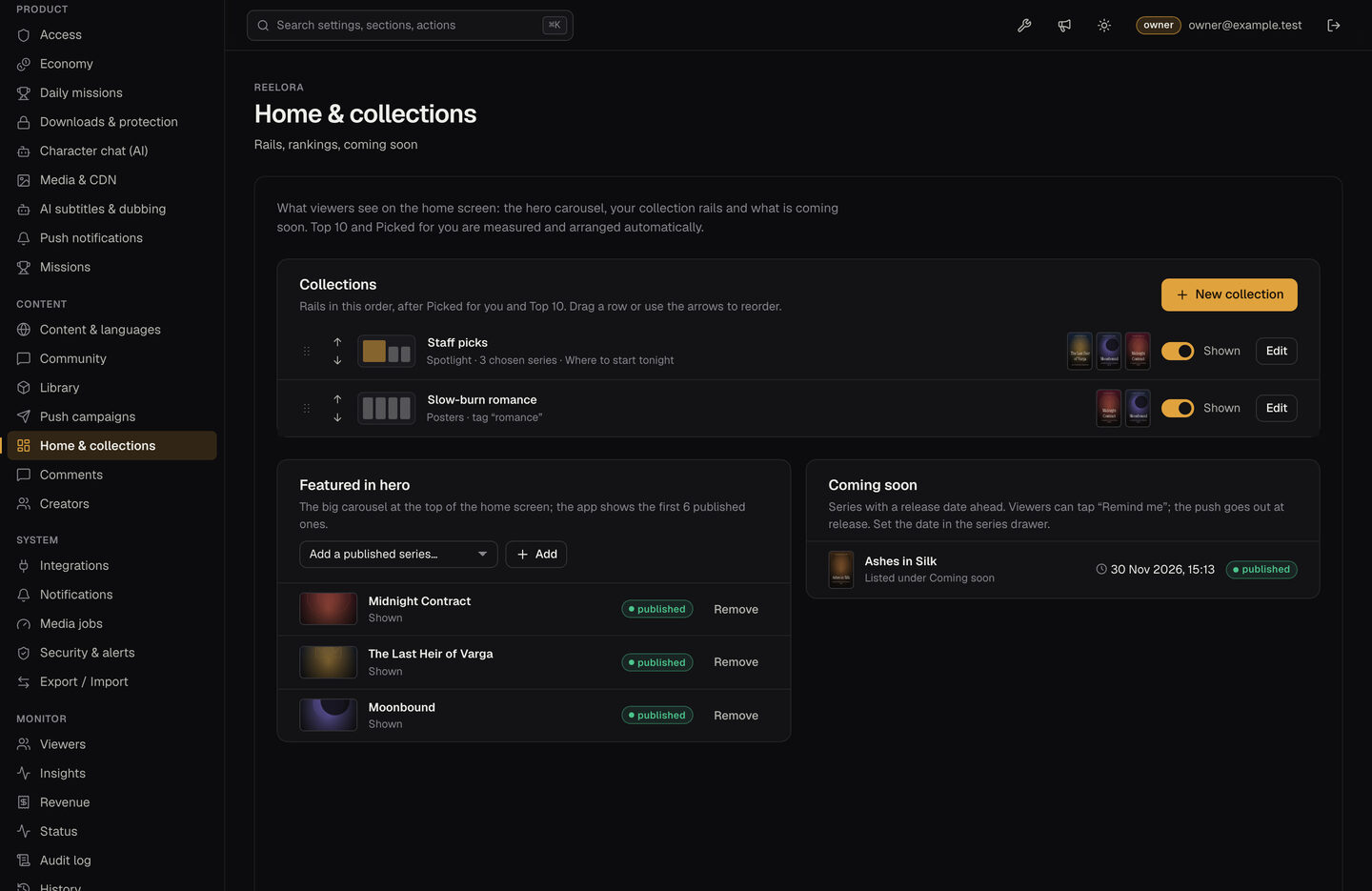
Console → Home & collections:
- Featured in hero: the carousel at the top (the app shows the first 6 published series).
- Collections: rails built from hand-picked series or by tag, in four styles (posters, ranked, wide, spotlight), in the order you set.
- Top 10 this week and Picked for you are measured and arranged automatically (Picked for you uses the genres a viewer chose at first launch and their watch history).
- Coming soon: give a series a future release date in its drawer. Viewers can tap "Remind me"; the push goes out at release.
06Referrals and promo codes
Referrals (Console → Referrals, off by default) are one level only: the invited viewer gets a bonus when entering the code, the inviter only after the invited viewer's first paid order. Both bonuses start at 0.
Promo codes (Console → Promo codes): bonus coins, a use limit and an expiry date.
07Push campaigns
With push set up (App setup → Firebase), Console → Push campaigns sends a message to your viewers. New-episode alerts go automatically to viewers who saved the series (Console → Push notifications → Alert followers).
01Comments and likes
Viewers like episodes (double-tap heart) and write comments with replies; they can mark a comment as a spoiler, like it and report it. Settings in Console → Community: